🎮 Play the Best Free HTML5 Games Online
— Anytime, Anywhere!
Step into the thrilling universe of HTML5 gaming with FinzoGames, where entertainment never stops! Play hundreds of free, high-quality browser games instantly — no downloads, no installs, and no limits. From action-packed adventures and fast-paced racing games to mind-bending puzzles and fun arcade classics, there’s something here for everyone. Enjoy smooth performance, quick loading times, and stunning visuals across all your devices — phones, tablets, or desktops. Every click brings excitement, every game sparks joy. Start playing now and experience why FinzoGames is the ultimate destination for nonstop HTML5 gaming fun!
The Comprehensive Guide to Modern Browser Entertainment
Browser gaming has transformed the way people experience digital entertainment. Today, players can instantly enjoy high-quality games directly from their browser without downloads, installations, or expensive hardware. At FinzoGames, we focus on creating smooth, accessible, and enjoyable gaming experiences for everyone.
The Evolution of Instant Play
Browser-based gaming has evolved dramatically over the years. What once consisted of simple pixel graphics and limited gameplay has now become a modern entertainment experience powered by HTML5, WebGL, and advanced browser technologies.
Modern games can now deliver smooth animations, responsive controls, multiplayer experiences, and visually engaging worlds — all directly inside a browser window. This evolution has made gaming more accessible than ever before.
At FinzoGames, we believe everyone should be able to enjoy gaming without limitations. That's why we focus on optimization, accessibility, and lightweight performance so users across desktops, tablets, and mobile devices can enjoy a seamless experience.
Exploring Every Gaming Style
Every player enjoys different types of games. Some players prefer fast-paced action challenges, while others enjoy strategic thinking, puzzles, racing, sports, or arcade adventures. Browser gaming allows users to explore multiple genres instantly without downloading large files or switching devices.
Our platform is designed to help users discover games that match their interests and playing style. From relaxing casual games to competitive challenges, we continuously expand our collection to keep gameplay fresh and exciting.
More than just a gaming website, FinzoGames is a growing digital entertainment space where players can explore new experiences, improve their skills, and enjoy quick gaming sessions anytime they want.
Why Browser Gaming Continues to Grow
One of the biggest advantages of browser gaming is simplicity. Players can instantly jump into gameplay without spending time on installations, updates, or complicated setup processes.
Modern browsers are now powerful enough to support advanced game engines, smooth graphics, and responsive controls. This has made browser gaming a popular choice for users who want fast, accessible entertainment on any device.
At FinzoGames, our goal is to make gaming feel easy, enjoyable, and welcoming for everyone. Whether you are playing for a quick break, relaxing after a long day, or exploring new challenges, browser games provide a flexible and enjoyable experience that fits into everyday life.
Fast & Accessible
Enjoy instant gameplay directly from your browser without downloads or installations.
Cross-Device Experience
Play smoothly across desktops, tablets, and mobile devices anytime and anywhere.
Endless Variety
Discover action, puzzle, arcade, racing, sports, and many more exciting categories.
The Future of Browser Gaming
Browser gaming continues to evolve with better technologies, faster performance, and more immersive experiences. As the industry grows, platforms like FinzoGames aim to make gaming more open, accessible, and enjoyable for players everywhere.
.webp)
Subway Jumper: A Love-Hate Relationship with the Tracks
Look, we’ve all played runners before. But there's something about this one that keeps me coming back—mostly because I refuse to let a virtual train win.

Stickman Rope: Try Not To Face-Plant
Grab a rope and see if you can actually clear these gaps. It’s physics-based chaos, and honestly, you're gonna fall. A lot.

Unpark-Me: Why This Parking Puzzle Is So Hard to Put Down
Forget the frustration of a real-world traffic jam. Unpark-Me turns the daily parking struggle into a satisfying logic game. Maneuver cars, solve the grid, and see if you have the patience to clear the lot.

Power-Light: That Neon Laser Game You Can't Stop Playing
Ever wondered what it's like to play with high-powered lasers in a neon-soaked lab? Power-Light hits that sweet spot between a brain-melting physics challenge and a super-chilled puzzle session.

Jelly Ninja: Why You Can't Stop Slicing
Ever wanted to be a ninja but with way more jelly? Jelly Ninja is a high-speed arcade rush where you slice, dash, and dodge your way through a neon gauntlet of obstacles. It's fast, it's bouncy, and it's seriously addictive.

Ball Sort Puzzle: Colorful Brain-Teasing Fun
Test your puzzle-solving skills with Ball Sort Puzzle! Sort colorful balls into matching tubes, plan your moves carefully, and complete challenging levels in this relaxing yet addictive puzzle adventure.

Maze: The Labyrinth Game That’ll Actually Test Your Memory
Ready to get lost? Maze takes you through twisting paths and sneaky traps where your spatial memory is your only map. It's clean, it's smart, and it’s way more addictive than you'd think.

Impostor Rescue: Can You Actually Trust Your Own Team?
Think you can spot a liar? Impostor Rescue drops you into high-stakes missions where the biggest danger isn't the crumbling building—it's the person standing right next to you.

Stack Ball: How Fast Can You Smash Without Crashing?
It starts simple: tap, smash, win. But once the speed picks up and the black zones start spinning, Stack Ball becomes a high-speed test of your nerves and timing.

Save The Cowboy: This Isn't Your Average Trail Ride
Think you've got the reflexes to survive the Wild West? Save The Cowboy puts you in charge of a daring rescue mission where one wrong jump means game over for the whole crew.

Valet Parking: Can You Handle the Pressure of the Perfect Park?
Forget high-speed racing. Valet Parking is a game of nerves, tight corners, and absolute precision. One wrong move and that luxury sedan is history.
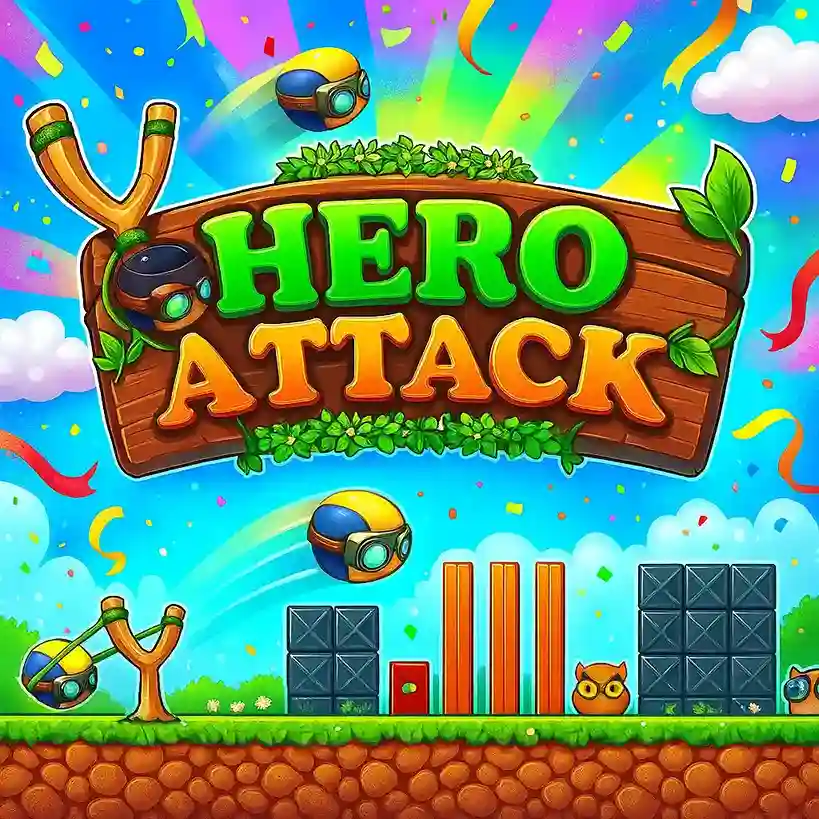
Hero Attack: Action-Packed Adventure and Combat
Step into battle with Hero Attack! Fight enemies, complete missions, and embark on thrilling adventures in this fast-paced action combat game.

Rope Bowling: This Isn't Your Average Strike
Forget rolling balls down a lane. In Rope Bowling, you're swinging a bowling ball on a cord to smash pins. It’s chaotic, physics-heavy, and weirdly addictive.

Glow Hockey: The Neon Arcade Classic Reimagined
Ditch the bulky tables. Glow Hockey brings high-speed air hockey to your screen with neon visuals and razor-sharp controls. It's fast, it’s glowing, and it’s a total reflex test.

Street FreeKick 3D: Precision Soccer Challenge
Play Street FreeKick 3D and feel like you are in a soccer game! Try to kick the ball into the goal. You have to be good at aiming and timing.
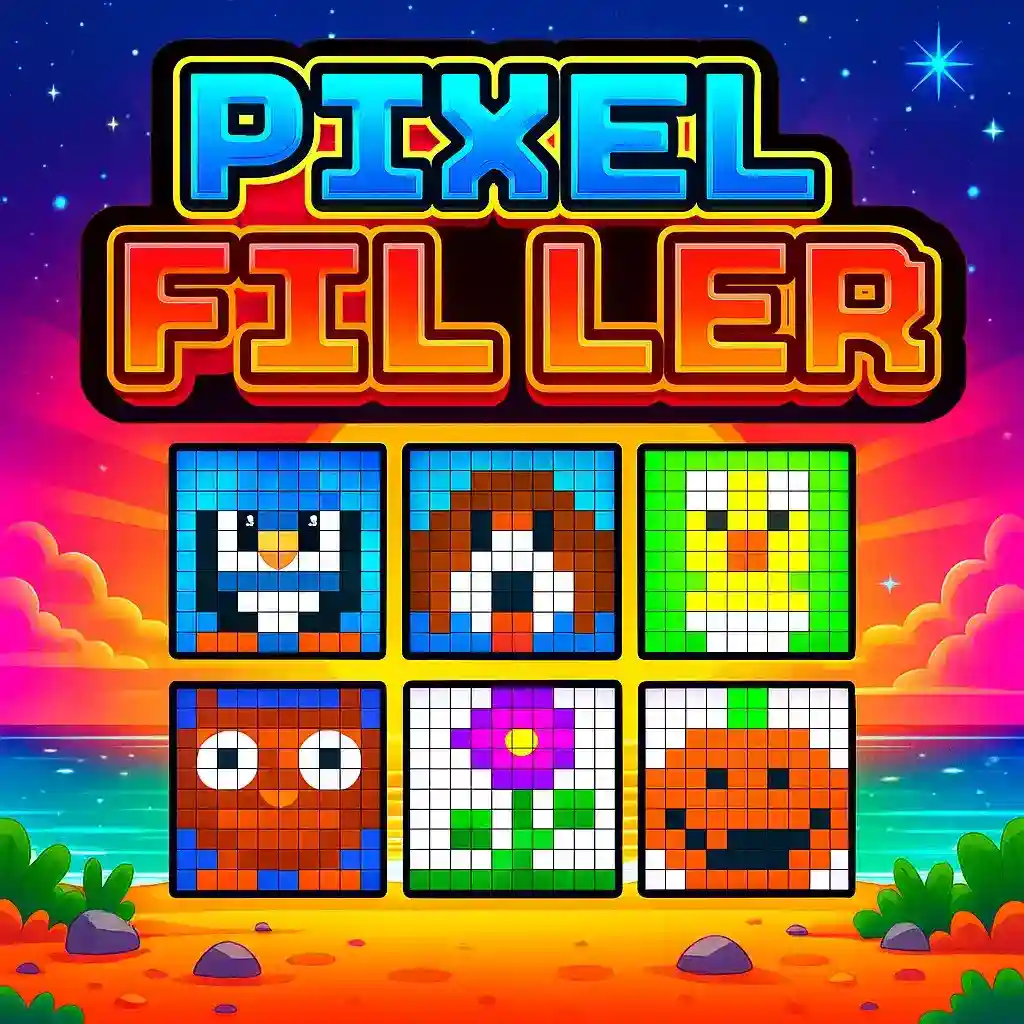
Pixel Filler: Color, Fill and Solve
Bring colors to life in Pixel Filler! Solve fun puzzles fill grids and watch amazing pixel art appear. It's a mix of relaxation, creativity and logic for everyone.

Red Ball: A Fun Adventure Game
Help the Red Ball get through levels! You have to jump, roll and solve puzzles to get to the end.
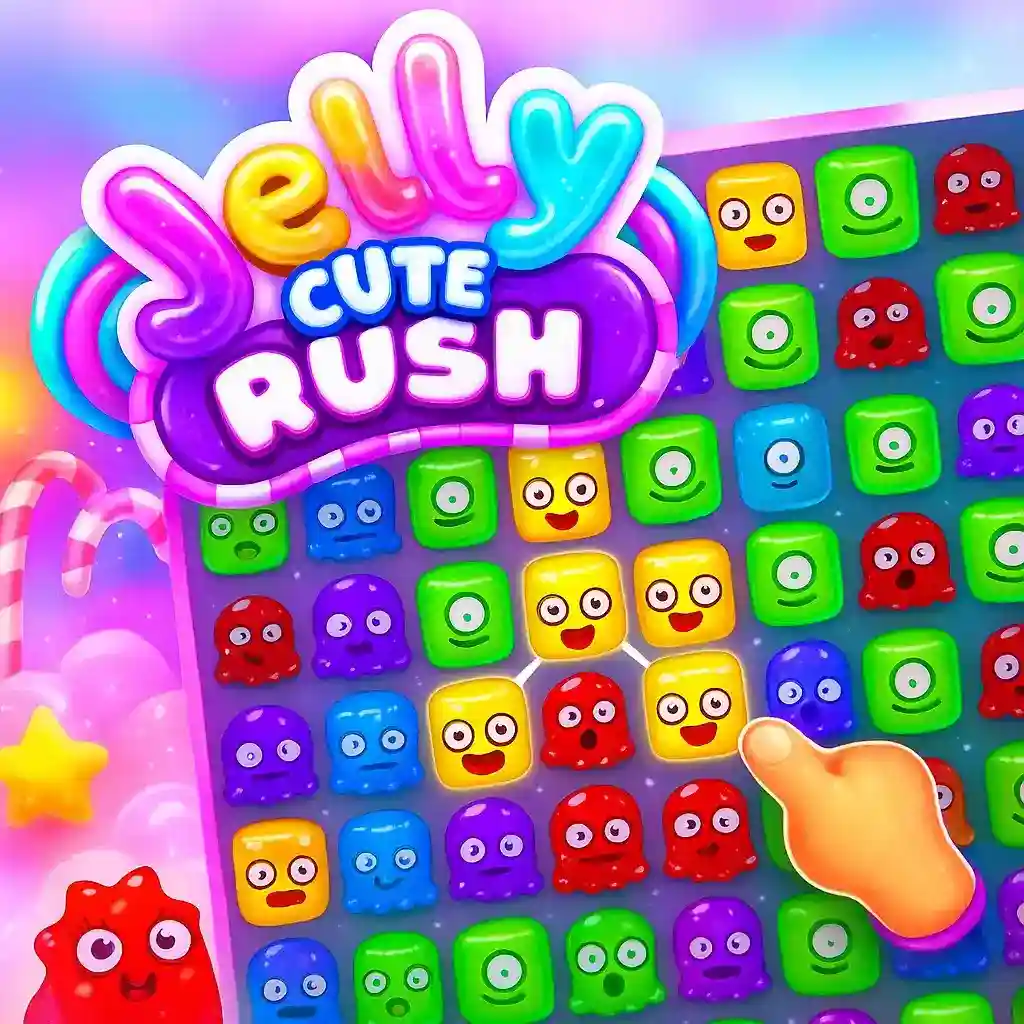
Jelly Cute Rush: A Fun Jelly Game
Play Jelly Cute Rush, a game where you jump and dodge obstacles in a colorful world. It's fast and exciting. You can play it for free. The game is about moving your jelly character through a world with lots of things to avoid.

Super Dash Car: High-Speed Racing Adventure
Race through challenging tracks in Super Dash Car! Dodge obstacles, speed competitors and become the best racer.

Musician Magic: A Fun Rhythm Game
Get ready to play Musician Magic! This game is about rhythm and music. You will play levels and complete music challenges. It is a music adventure.
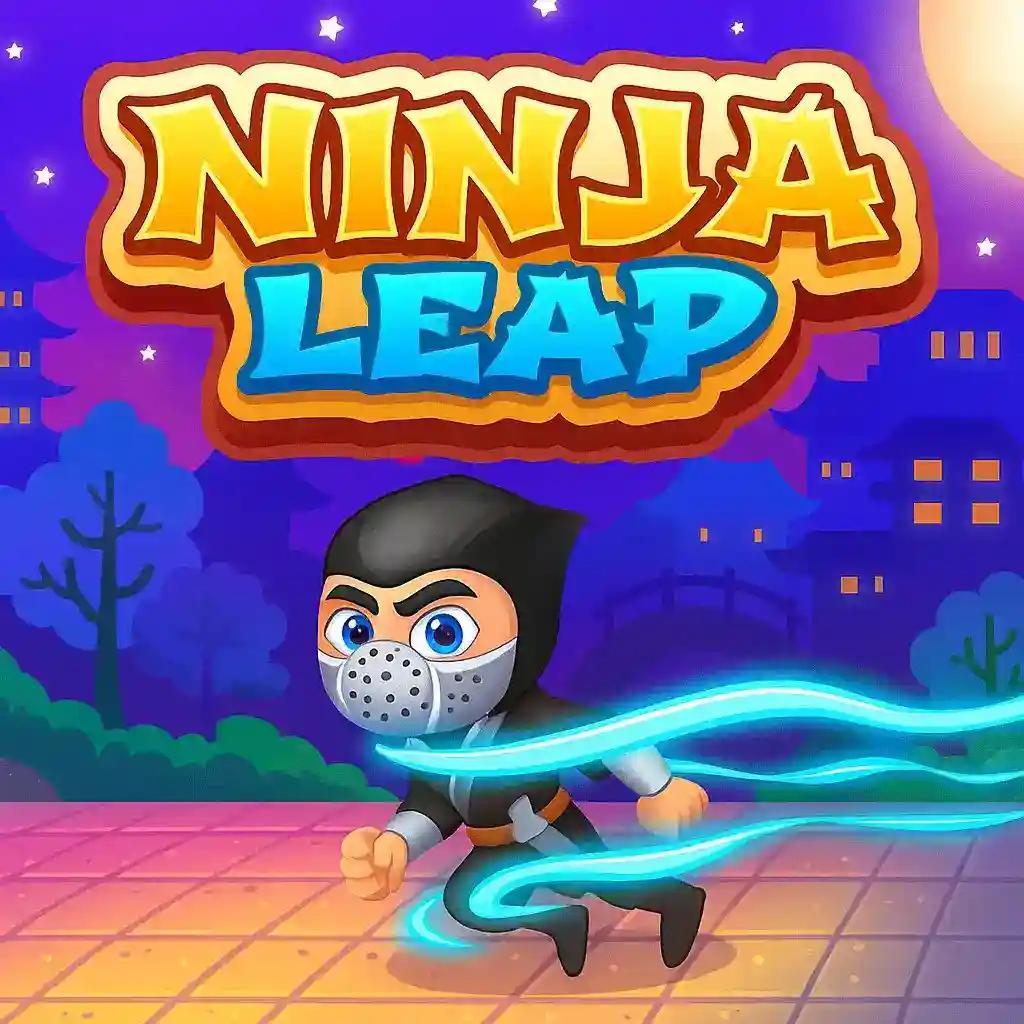
Ninja Leap: Action-Packed Parkour Adventure
Get ready for a thrill in Ninja Leap! Run, jump and flip across rooftops. Dodge obstacles and collect power-ups in this parkour game.
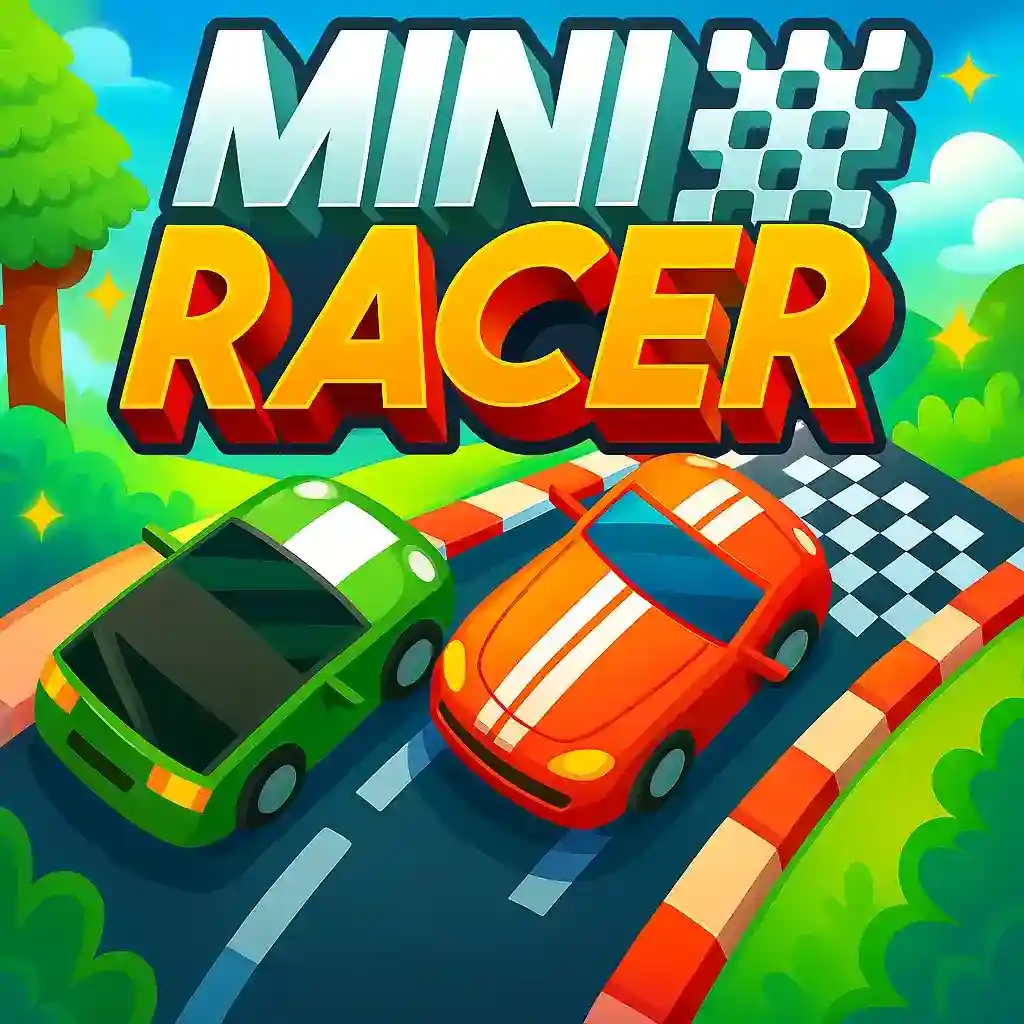
Mini Racer: Fast Car Racing
Get ready to speed up in Mini Racer! Compete in car races master hard tracks and unlock new cars in this fun racing game.

Homescapes: Match-3 & Home Renovation Adventure
Join Austin the Butler in Homescapes! Match colorful tiles to complete puzzles. Renovate an old mansion into a beautiful home filled with charm and creativity.

Sweet Candy Fever: Addictive Match-3 Puzzle Game
Satisfy your sweet tooth with Sweet Candy Fever! Match colorful candies, create explosive combos, and progress through hundreds of fun and challenging levels.

Vortex: Spin & Match Puzzle Adventure
Enter the Vortex and test your reflexes! Spin, match, and clear levels filled with challenging puzzles and fast-paced twists in this addictive puzzle adventure.
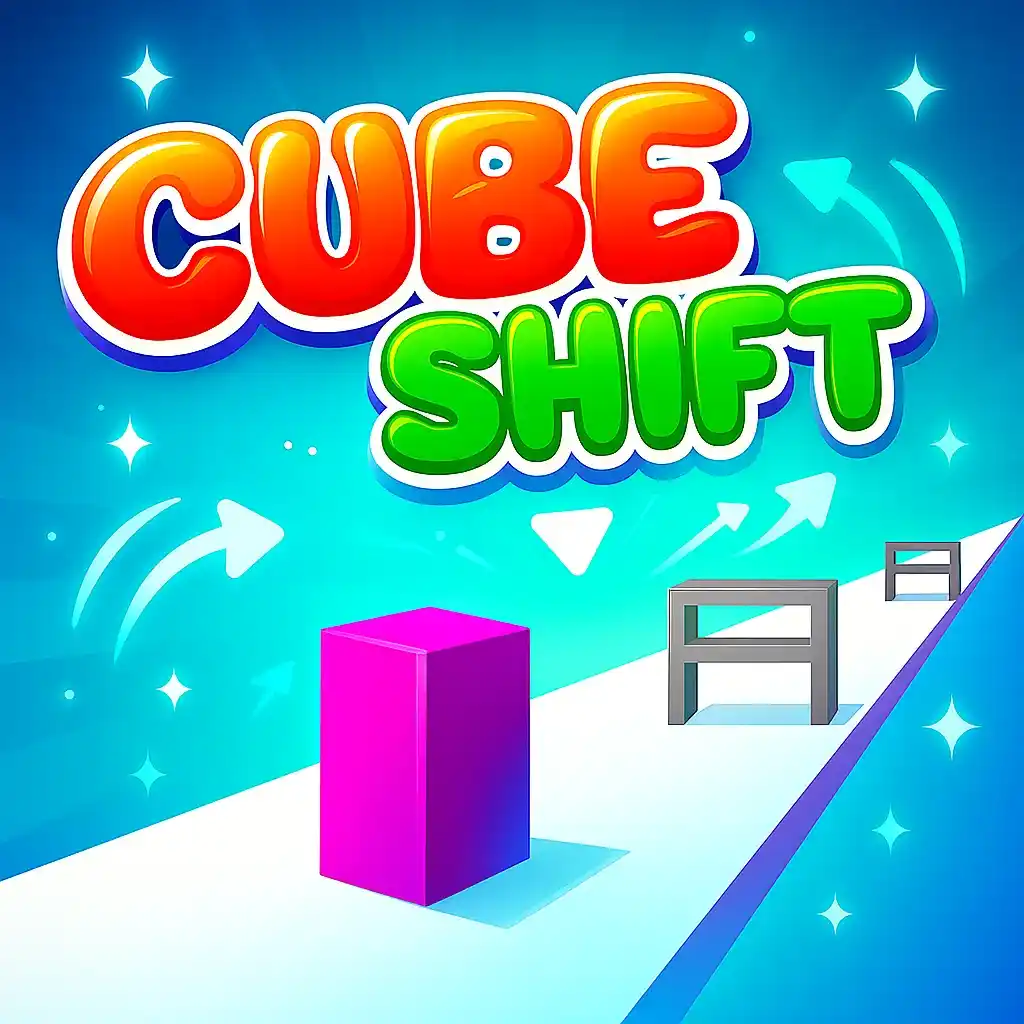
Cube Shift: Addictive Cube Puzzle Game
Shift the cube through obstacles and match the right shapes to survive! A fun, fast-paced, and challenging 3D puzzle game that keeps you hooked for hours.
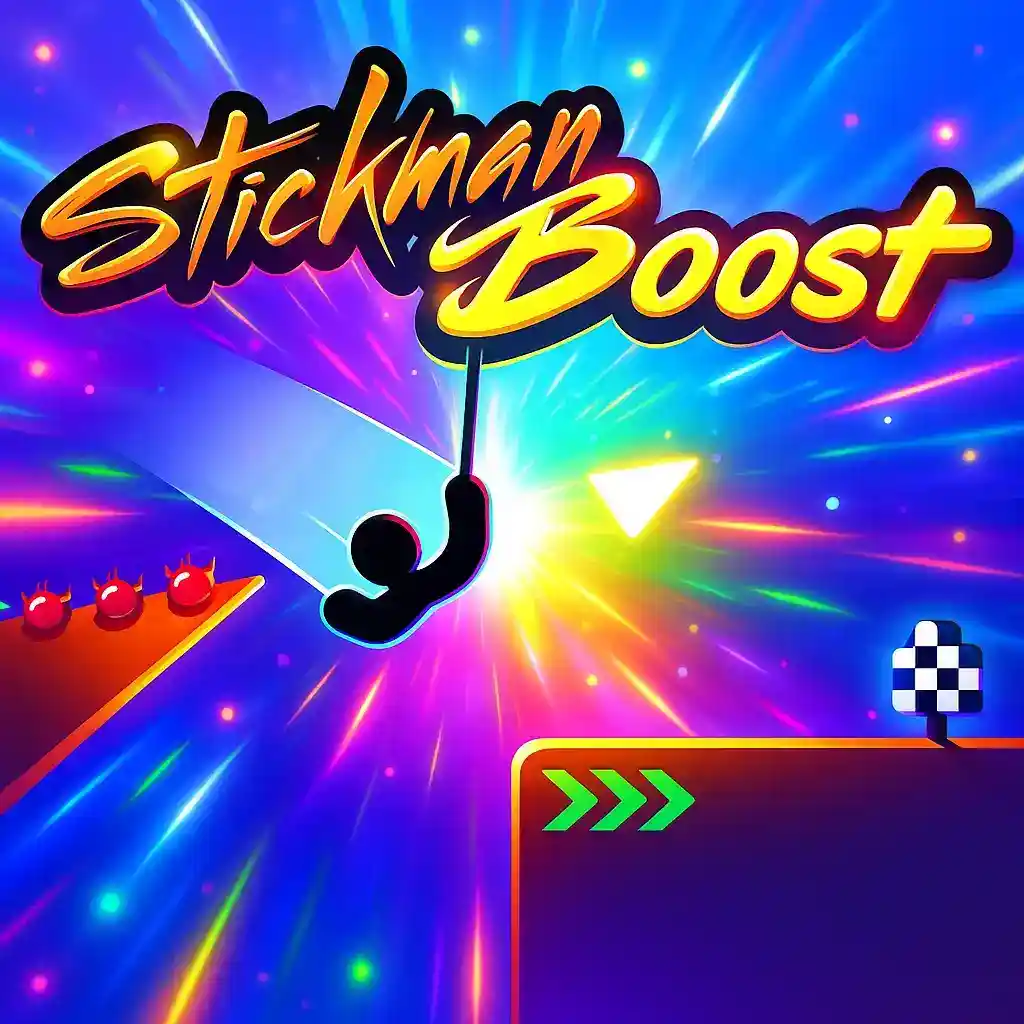
Stickman Boost: Action-Packed Jumping Adventure
Help Stickman leap, dodge traps, and boost through challenging levels! Test your reflexes and timing in this thrilling, fast-paced action platformer.

Rope Master: Skillful Swinging Adventure
Swing, cut, and master the ropes! Use your precision and timing to complete physics-based puzzles in this addictive rope-cutting adventure game.

2048: Addictive Number Puzzle Game
Join the numbers and get to the 2048 tile! Swipe to merge matching numbers, plan your moves, and challenge your brain in this classic number puzzle.

Superbike Hero: High-Speed Racing Adventure
Race through exciting tracks in Superbike Hero! Overtake rivals, collect boosts, and master sharp turns in this thrilling motorcycle racing challenge.

Swords of Brim: Action-Packed RPG Adventure
Join the heroes of Brim in an epic endless runner RPG! Slash through enemies, collect treasures, and upgrade your warrior to save the realm from dark forces.

Filled Glass: Addictive Puzzle Challenge
Test your logic and precision in Filled Glass! Pour the right amount of balls to fill the glass perfectly — too much or too little, and you’ll fail the level.
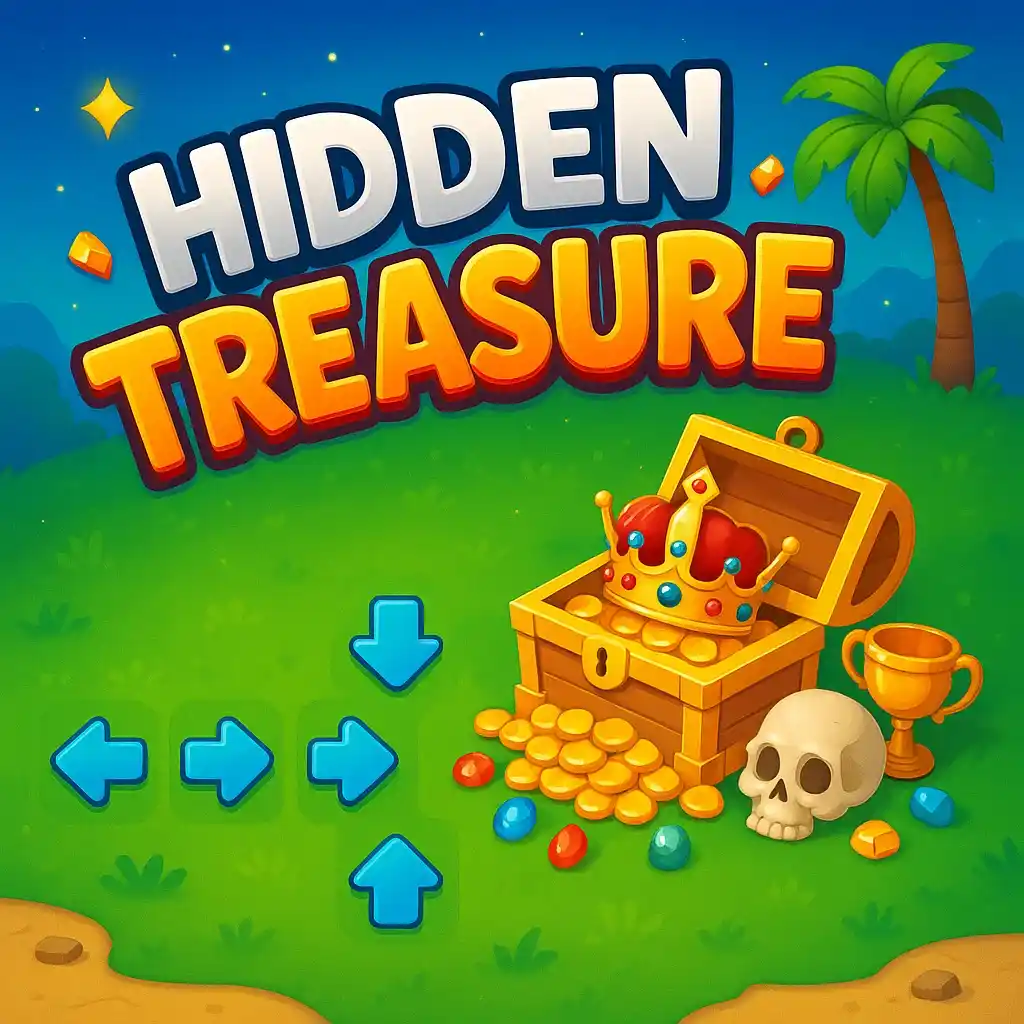
Hidden Treasure: Adventure & Puzzle Quest
Embark on a thrilling treasure hunt! Solve ancient puzzles, explore mysterious locations, and uncover hidden secrets in your quest for legendary riches.

Slope: The Ultimate 3D Speed Running Challenge You Can’t Stop Playing
Dive into Slope, the ultra-fast 3D running adventure where your reflexes and focus are pushed to the limit! Navigate your neon ball down an endless slope, dodge obstacles, and survive as long as you can in this addictive arcade masterpiece loved by millions worldwide.

Cyber Hunter: The Ultimate Futuristic Battle Royale Experience
Step into Cyber Hunter — the next-generation sci-fi battle royale that redefines survival gaming. Explore massive futuristic cities, glide across skyscrapers, and unleash high-tech combat with plasma rifles, energy shields, and parkour agility. Outsmart, outgun, and outlast your rivals in a thrilling cyberpunk universe.

Merge The Numbers – Ultimate Brain Puzzle & Strategy Challenge
Test your mind with Merge The Numbers, a highly addictive number-merging puzzle game. Swipe, merge, and strategize to reach massive scores in this visually clean and deeply satisfying logic experience.
Royal Solitaire: Classic Card Game with a Regal Twist
Enjoy the timeless Solitaire experience with a royal touch! Test your strategy and patience as you clear the deck and climb your way to victory.

Love Balls: Play and Fall in Love
Draw lines to help two adorable balls meet! Use physics and creativity to solve puzzles filled with charm, fun, and a touch of romance.

Asteroid: Classic Space Shooting Adventure
Blast your way through waves of asteroids in this retro-inspired space shooter! Dodge incoming rocks, upgrade your spaceship, and test your reflexes in deep space.

Rolling Ball – Balance, Tilt & Conquer Ultimate Tracks | FinzoGames
Take control in Rolling Ball, a physics-based balance and reflex game. Tilt, swipe, and master tricky tracks full of obstacles, ramps, and moving paths. Can you keep your cool and reach the goal without falling?

Anti-Virus: Defend the System, Destroy the Threats
Step into a digital battlefield in Anti-Virus! Protect the system by eliminating viruses and malware while upgrading your defenses in fast-paced gameplay.

Christmas Magic Tiles: Tap to the Holiday Rhythm
Celebrate the holidays with Christmas Magic Tiles! Tap to the festive rhythm, unlock new songs, and challenge your reflexes in a joyful arcade experience.

The Last Ninja: Shadow Warrior’s Final Stand
Step into the shadows in The Last Ninja! Master stealth, combat, and strategy to defeat enemies and survive in this action-packed ninja adventure.

Magic Cube: Twist, Turn, and Solve the Puzzle
Challenge your mind with Magic Cube! Twist, turn, and solve intricate cube puzzles to unlock levels and test your problem-solving skills.

Dragon vs Bricks: Fire-Breathing Arcade Challenge
Take control of a mighty dragon in Dragon vs Bricks! Breathe fire, smash obstacles, and conquer challenging arcade levels in this action-packed adventure.

Basketball Stars: Dunk, Shoot, and Rule the Court
Step onto the court with Basketball Stars! Dunk, shoot, and compete against opponents in fast-paced basketball matches. Show off your skills and become the ultimate champ!
Sudoku: Timeless Logic Puzzle
Sharpen your mind with Sudoku! Solve classic number puzzles of varying difficulty levels. Test your logic, improve concentration, and enjoy endless brain-teasing fun.

My Virtual Pet Shop: Care, Play & Grow
Take care of adorable pets in My Virtual Pet Shop! Feed, play, and grow your pets while designing your very own pet paradise. Fun and interactive for all ages!

Fluffy Merge: Adorable Merge & Grow Puzzle
Merge cute fluffy creatures in Fluffy Merge! Combine pets to evolve them, unlock new characters, and enjoy a relaxing yet challenging puzzle experience.

Milk for Cat: Puzzle & Feed the Kitty
Help the adorable kitty get its milk in Milk for Cat! Solve fun puzzles, avoid obstacles, and feed the hungry cat in this cute and engaging game.

Bikes Hill: Ride, Jump & Race Down Slopes
Experience high-speed thrills in Bikes Hill! Ride across challenging slopes, perform daring jumps, and race to the finish in this adrenaline-pumping game.
Hyper Jump 3D: Bounce to the Top
Test your reflexes in Hyper Jump 3D! Jump, bounce, and climb through challenging platforms in this fast-paced 3D arcade adventure.

Shoot Paint: Splash Colors Everywhere
Unleash your creativity in Shoot Paint! Aim, shoot, and cover the world with vibrant colors in this fun and addictive game.

Car Rush: Speed Through Endless Highways
Race through endless highways in Car Rush! Dodge traffic, collect coins, and upgrade your car to become the ultimate speedster.
Bike Rush: Ride Fast, Dodge & Race Ahead
Hop on your bike and speed through challenging tracks in Bike Rush! Dodge obstacles, perform stunts, and reach the finish line as fast as possible.

Path Control: Guide the Flow & Solve Puzzles
Test your strategic thinking in Path Control! Guide objects along intricate paths, avoid obstacles, and solve puzzles to complete each level.

Robot Awake: Adventure of the Clever Machine
Join Robot Awake on a thrilling adventure! Solve puzzles, overcome obstacles, and guide the clever machine through challenging levels.

Ski Drift: Master the Slopes and Glide to Victory
Hit the slopes in Ski Drift! Master challenging ski courses, avoid obstacles, and perform daring stunts to reach the finish line in record time.
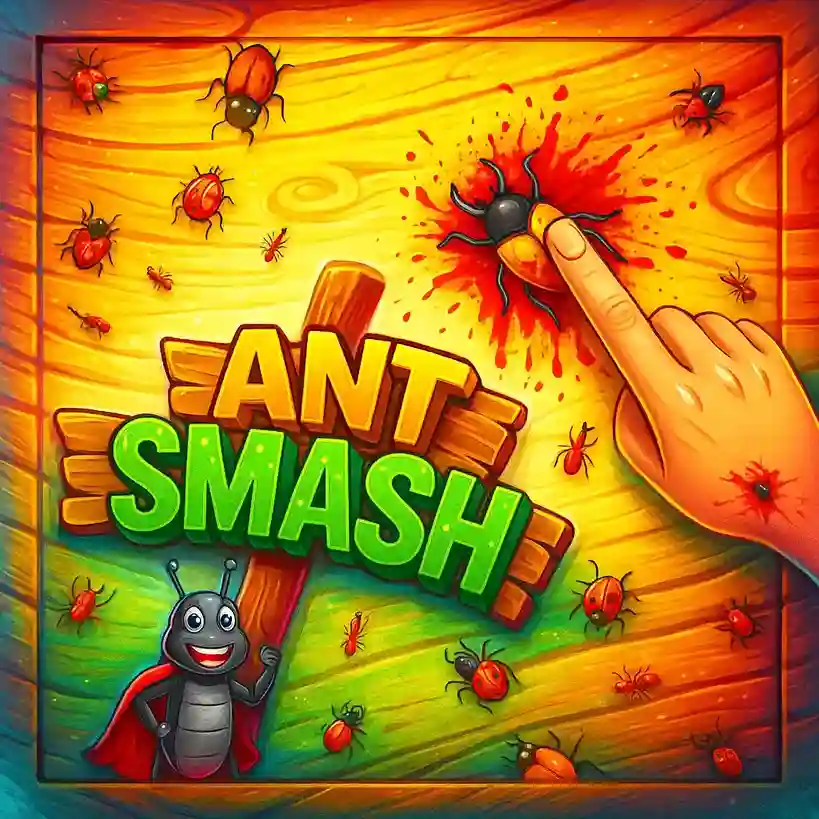
Ant Smash: Crush, Tap, and Defend Your Picnic!
Protect your picnic from invading ants! Tap and smash them quickly to defend your treats and survive wave after wave of tiny attackers.
The Ultimate Guide to Smarter Browser Gaming
Web-based gaming isn't just about casual web sessions anymore. Today, it’s a demanding mix of hardware acceleration, synchronized rendering tracks, and complex layout orchestration. Getting a true competitive edge means knowing how your browser handles data streams under the hood, how the main thread drops frames, and where memory bottlenecks form. Let's look at practical steps to tune your client-side runtime, smooth out game loop physics, and squeeze every ounce of performance out of modern web layouts.
Mastering Browser Gaming Basics
Modern web frontends build high-fidelity gameplay spaces using low-level bricks like HTML5, Canvas 2D structures, and custom WebGL context instances. To stop performance dips before they start, you have to look closely at how JavaScript engines actually execute code. When you open a game tab, runtimes like V8 or JavaScriptCore compile code just-in-time, turning raw logic into fast, machine-readable instructions.
The biggest headache in these setups is usually Garbage Collection. If your code constantly creates short-lived objects inside a tight animation frame, the runtime will eventually pause everything to clear out the heap. These quick, unexpected pauses create visible micro-stutters that ruin tracking precision.
You can push back against this by making sure your host OS prioritizes your active browser instance. Killing unnecessary, heavy background tasks frees up hardware threads so the system can keep your render loops completely synced with your display's hardware refresh rate.
Building Smart Gaming Strategies
Winning consistently requires a mix of smart positioning, timing, and smooth resource allocation. Browser games run in isolated, sandboxed security layers, which means they can't access hardware like a desktop executable does. You need an organized way to handle asset pipelines, click events, and fast-changing user interfaces during messy online sessions.
Managing full map visibility means you have to constantly trade visual fidelity for raw processing speed. Keep your inventory boxes and game overlays clean and lightweight. Hiding unneeded interface nodes lowers DOM complexity, which dramatically slashes the amount of work your CPU does during layout paints.
It's also smart to match your active viewports and data stream mechanics to whatever your current network connection can handle. Tuning these parameters on the fly drops latency, letting you use clean hardware management as a real, practical weapon in clutch moments.
Understanding Game Physics & Timing
Handling engine physics in a browser is tricky because JavaScript is single-threaded. If you want fluid character movement, you absolutely must uncouple your physical calculation loops from the standard display refresh step. Tying things like velocity or collision directly to screen frame paints causes gameplay speed to warp if the monitor rate drops.
Using fixed-timestep physics updates makes sure gravity, momentum, and hitbox detection behave exactly the same way, even if your rendering rate hitches. The layout engine then interpolates spatial points between frames to give you a perfectly smooth presentation.
Spatial indexing helps immensely when managing busy scenes with lots of moving objects. Good engines use structures like quadtrees or regular spatial grids. This limits collision checks to things that are actually next to each other, saving massive amounts of computational power.
Cross-Platform Gaming Experience
The biggest perk of web engines is that they run just about anywhere. You can boot the exact same game files on an expensive desktop machine, an old mobile phone, a portable tablet, or a smart display without downloading massive installation packages. But making sure everything runs nicely across different screens requires smart viewport handling.
Device pixel ratios change wildly between platforms. Modern high-end phone screens have incredibly dense displays that can choke mobile graphics chips if you render at full resolution. You can fix this by scaling down the internal canvas drawing size while letting CSS handle the responsive presentation.
Input tracking also benefits from clean abstraction models. Older touch interactions often add a noticeable delay on mobile browsers because of legacy double-tap zoom checks. Switching your code to use the modern Pointer Events API ensures snappy, unified responses for mouse, finger, and gamepad actions alike.
Improving Focus & Reaction Time
Human reaction speed is heavily tied to systemic latency. The time it takes for a visual cue to pop up on screen, register in your brain, and turn into a keyboard input depends directly on how clean your browser's processing pipe is. Irregular frames mess up muscle memory and throw off tight timing windows.
To combat this lag, modern web apps use smart, predictive input models. By reading recent directional patterns, code can calculate where an asset might move next and pre-render it, reducing perceived lag. This requires a solid framerate to keep things looking natural.
Keeping your game UI simple also cuts down on cognitive fatigue. Removing complex, nested layout layers means your eyes can process what's happening faster, and it ensures the layout engine can focus its rendering power exactly where it matters most.
The Importance of Smooth Performance
Stable frame pacing matters way more than hitting high peak FPS counts. A game bouncing randomly around 120 FPS feels much worse than one locked flat at 60 FPS. These uneven frame intervals happen when your GPU render queue falls out of step with the browser's internal composition steps.
Looping your core logic inside a native `requestAnimationFrame` callback ensures updates line up perfectly with your display's vertical synchronization cycle. This completely eliminates ugly screen tearing and cuts down input lag by throwing out frames that wouldn't actually be shown.
Watching your memory footprints and avoiding massive DOM mutations blocks long execution gaps. Keeping your code clean and direct keeps the layout engine happy, guaranteeing a smooth, predictable experience even when the action gets incredibly chaotic.
Why Browser Gaming Continues to Grow
Web development standards have completely reshaped how we look at browsers. They aren't just for reading text pages anymore; they are highly optimized, secure execution environments. WebAssembly (Wasm) lets us compile performant languages like C++ or Rust right into tight binary files that run inside the browser at near-native speeds. This removes the classic performance gaps, letting rich 3D games load instantly without installers.
At the same time, specs like WebGL 2 and WebGPU let web apps look directly at system graphics hardware. This unlocks advanced compute pipelines, intensive particle rendering, and modern shading tools inside a standard website. Moving heavy math operations off the single-threaded JavaScript loop and onto the GPU lets browsers run beautifully detailed worlds without breaking a sweat.
Over at QuizTwist, we love building highly optimized web interactions. By combining clean asset compression, intelligent local caching, and modern framework architectures, we make sure every single game session feels snappy, loads instantly, and runs smoothly on whatever hardware you have. Web gaming is moving fast toward zero friction, and the browser is leading that charge.
Optimize Your Browser Engine
Get the most out of your hardware by double-checking that hardware acceleration is turned on in your browser's advanced flags. Cleaning out old cache partitions keeps storage seek times low, and updating your browser version keeps you updated with the latest optimizations to V8 memory management.
Play Smart, Not Fast
Good performance comes down to rhythm. Maintain a steady pace instead of mashing inputs, which can jam up event queues and cause short frame stutters. Get to know how your favorite web app handles states, drop extra open tabs, and let internal schedulers balance your assets naturally.